
Description
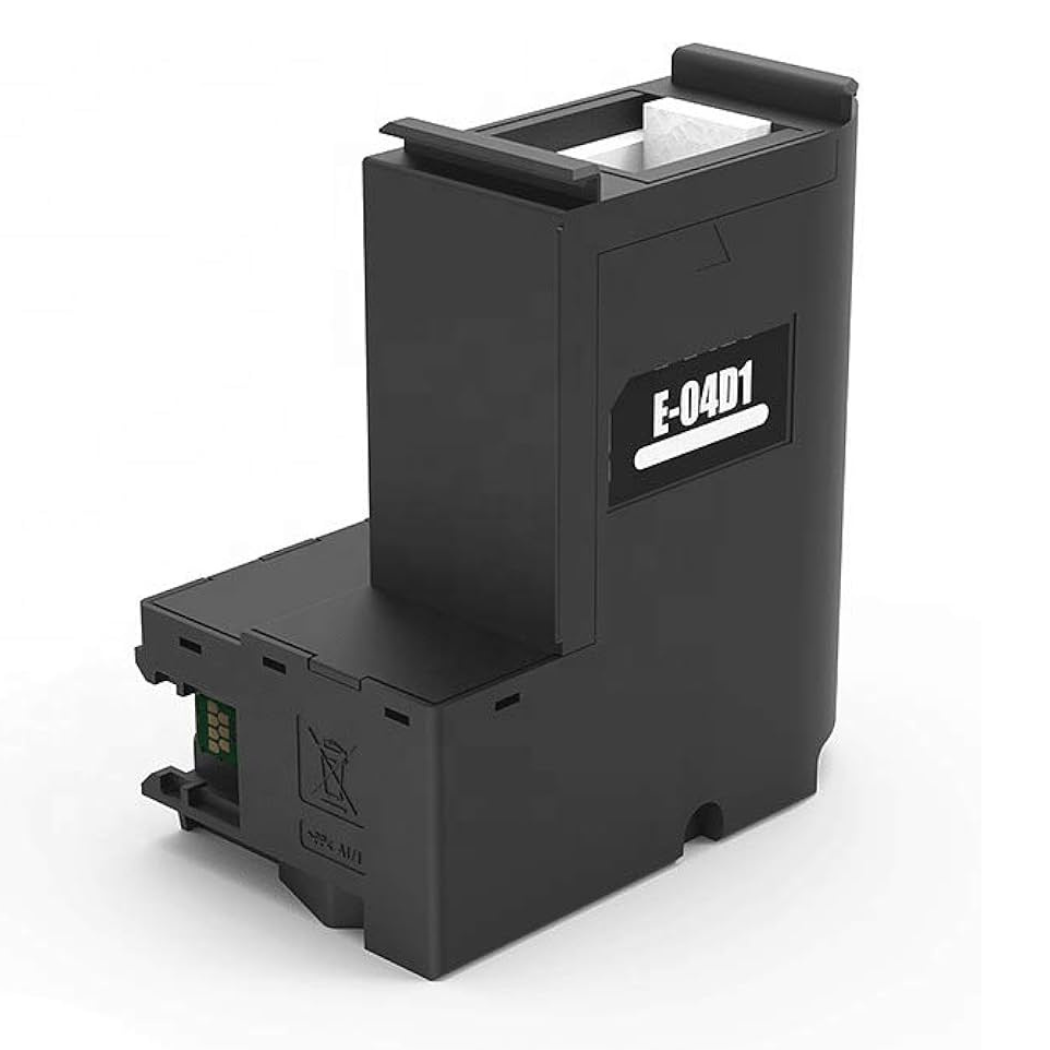
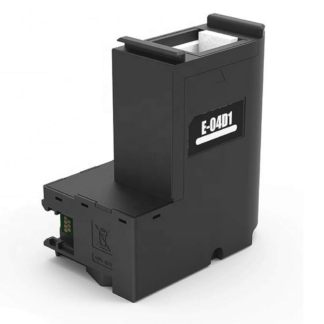
Epson T04D100 is an original waste ink container (maintenance box / ink maintenance box) for EcoTank L6160/L6170/L6190 and ET-M1140/M2140/M3140/M3180 mono inkjet printers. The container collects excess ink produced during printing and print head cleaning and must be replaced when the printer displays the corresponding notice.
Also known as: T04D100.
Technical specifications
| Manufacturer | Epson |
|---|---|
| Model / code | T04D100 |
| Type | Waste ink container (ink maintenance box) |
Compatible Epson printers
This waste ink container fits the following Epson models (click a model to see all its supplies):
| Printer model |
|---|
| EcoTank L6160 |
| EcoTank L6170 |
| EcoTank L6190 |
| EcoTank ET-M1140 |
| EcoTank ET-M2140 |
| EcoTank ET-M3140 |
| EcoTank ET-M3180 |
Usage tips
Replace the container as soon as the printer reports that the maintenance box is full – otherwise the printer will not print. Do not empty or reuse the old container; handle it carefully so the ink does not leak. Install the new container according to the printer’s manual.
Who is it for
Suitable for owners of EcoTank L6160/L6170/L6190 and ET-M1140/M2140/M3140/M3180 mono printers whose printer needs a waste ink container replacement.
Frequently asked questions (FAQ)
What is Epson T04D100 and what is it for?
Epson T04D100 is an original waste ink container (ink maintenance box). It collects excess ink produced during printing and print head cleaning in EcoTank L6160/L6170/L6190 and ET-M1140/M2140/M3140/M3180 mono printers.
When should the waste ink container be replaced?
Replace the container when the printer reports that the maintenance box is full or has reached the end of its service life. The container fills up over time depending on print volume and print head cleanings.
Is a waste ink container necessary?
Yes. When the container is full, the printer stops working until it is replaced. This is a normal maintenance item, not ink.
Does replacing the container affect the printer’s warranty?
No. Replacing the waste ink container is a normal maintenance operation and does not affect the printer’s warranty.
How fast is delivery?
Usually 1–2 working days across Estonia. A 14-day right of return applies.
Is the printer asking for maintenance?
If your Epson printer has stopped printing and shows a maintenance message, or the paper and ink lights are flashing, the waste ink pad may be full. Read about the causes and solutions on our blog: Epson L3250 and similar models — why the printer stops printing and what the waste ink pad is.

Reviews
There are no reviews yet.